
I recently searched for vulnerabilities in a Google service called Tag Manager, which is used for SEO operations. My main research was to look for any field that could be vulnerable to Cross Site Scripting, but every field was protected against special characters as you can see in the image below. So it looked pointless to keep going down that path.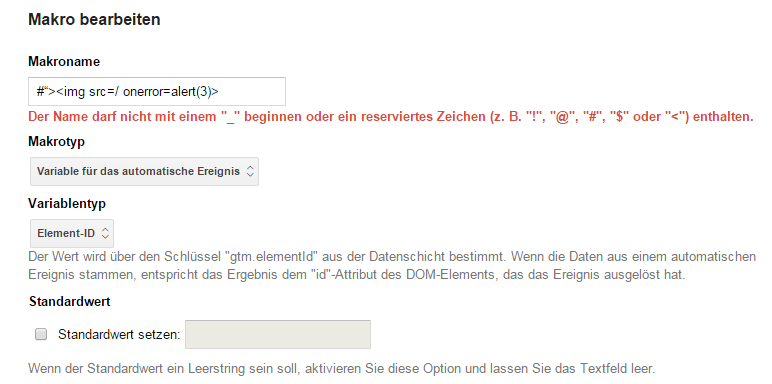
Finding the bug#
The next thing I noticed was that Tag Manager allowed a user to upload a set of definitions, tags and macros in the form of a JSON file.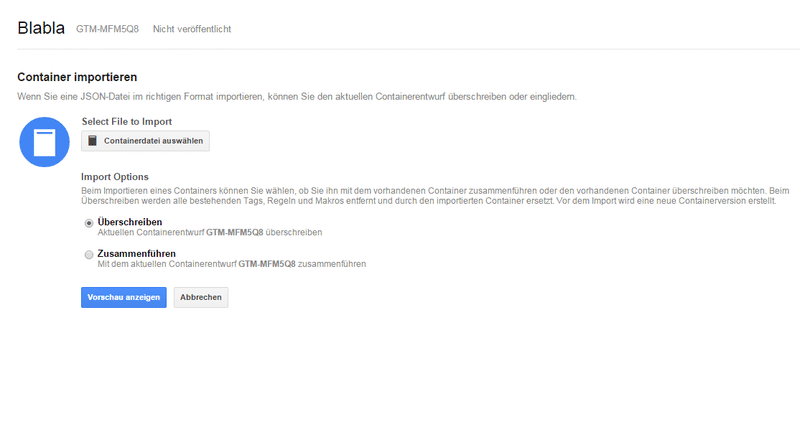
Proof of concept#
What I did next was download the sample JSON file and edit the name fields of the macros — the same fields that had rejected special characters in the UI:
      "data": {
        "name": "#\"><img src=/ onerror=alert(3)>",
        "type": "AUTO_EVENT_VAR",
        "autoEventVarMacro": {
          "varType": "HISTORY_NEW_URL_FRAGMENT"
        }
And guess what? After uploading and overwriting the settings, the payload executed.
Here’s the PoC video I sent in.
— Patrik Grobshäuser